
Overview:
If you need to remove or make changes to existing fieldsets, follow the steps below.
Steps to edit, delete existing fieldsets
- Go to your WordPress dashboard and navigate to Tickets > Ticket Fieldsets.
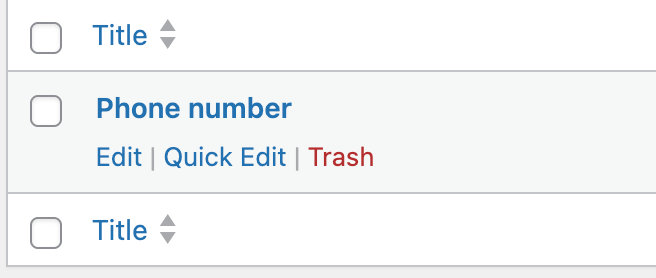
- Hover over the fieldset you want to remove and click Trash.
- To edit a fieldset, click Edit on the one you want to modify.
- To delete it permanently, go to the Trash, hover over the fieldset, and click Delete Permanently.
By following these steps, you can easily manage, edit, or remove existing fieldsets as needed.